
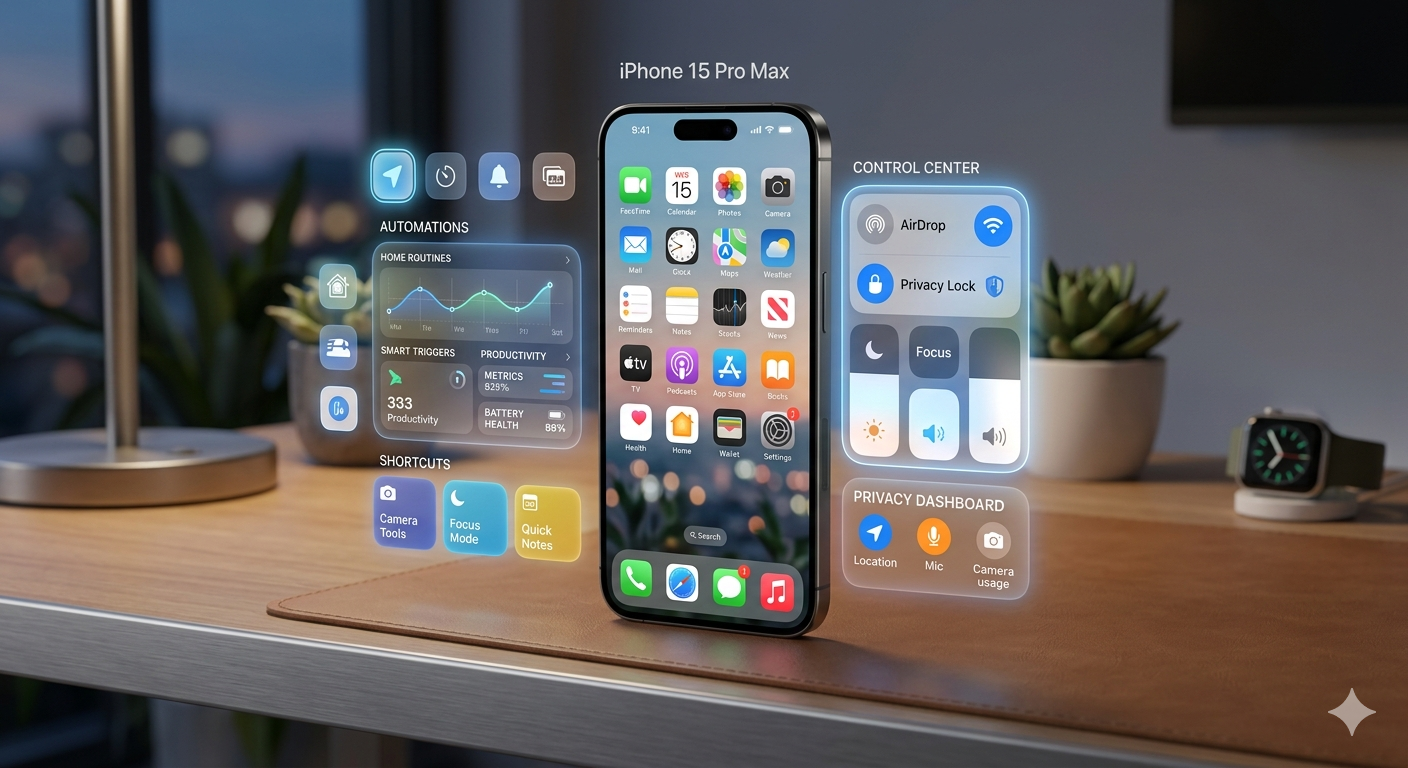
Modern smartphones are packed with powerful tools, but most users only scratch the surface of what their devices can actually do. The iPhone, in particular, is known for its smooth performance and simple interface, but underneath that simplicity lies a collection of advanced tools and shortcuts that many people never discover. These hidden iPhone features can improve productivity, enhance privacy, and make everyday tasks much easier.
In 2026, Apple continues to refine iOS with smarter automation, deeper customization, and more intelligent system features. However, many of these capabilities are not immediately visible to users. This guide explores the most useful hidden features in iPhone that can transform the way you use your device every day.
Back Tap Feature for Quick Actions
One of the most underrated hidden iPhone features is the Back Tap function. This feature allows you to perform actions by simply tapping the back of your phone. It may sound simple, but it is incredibly powerful when customized properly.
You can assign different actions such as taking a screenshot, opening the camera, turning on the flashlight, or even launching apps. This feature is especially useful when you want quick access without navigating through menus.
Back Tap is found in Accessibility settings, and many users overlook it completely. Once enabled, it can significantly speed up daily tasks and improve overall convenience.
Hidden Trackpad in the Keyboard
Typing on a phone can sometimes be frustrating, especially when trying to move the cursor precisely. However, the iPhone keyboard includes a hidden trackpad feature that many users don’t know about.
By pressing and holding the space bar, the keyboard transforms into a trackpad, allowing you to move the cursor freely across text. This makes editing messages, emails, and documents much easier and more accurate.
This small but powerful feature is one of the most useful hidden iPhone features for productivity. It saves time and reduces typing errors, especially when working with long text.
Built-In Document Scanner in Notes App
Many people use third-party apps to scan documents, but the iPhone already includes a built-in scanner inside the Notes app. This feature allows you to scan documents, receipts, and handwritten notes directly using your camera.
Once scanned, the document is automatically enhanced and saved as a PDF. You can also share it instantly via email or messaging apps.
This feature is extremely useful for students, professionals, and business users who frequently handle paperwork. It removes the need for additional apps and keeps everything organized in one place.
Hidden Level Tool in Compass App
The Compass app on iPhone includes a hidden level tool that acts like a digital spirit level. This feature is useful for measuring whether a surface is perfectly flat or aligned.
To access it, simply open the Compass app and swipe left. The level tool appears and can be used for home improvement tasks, hanging frames, or checking alignment.
This is one of those hidden iPhone features that surprises many users because it is built directly into a default app without any obvious indication.
Custom App Icons and Home Screen Personalization
Apple has gradually increased customization options in iOS, allowing users to personalize their home screens more than ever before. Using the Shortcuts app, you can change app icons and create custom layouts.
This means you can design a completely unique home screen aesthetic that matches your personal style. Many users use this feature to create minimalist or themed setups.
While it may take some setup time, the result is a highly personalized iPhone experience that feels more modern and organized.
Hidden Camera Features for Better Photos
The iPhone camera is already powerful, but it includes several hidden tools that can dramatically improve your photography. Features like grid lines, burst mode, and exposure adjustment are often overlooked.
You can lock focus and exposure by holding your finger on the screen, allowing for more professional-looking shots. Additionally, the volume buttons can be used as shutter controls for easier photo capture.
Another useful trick is using live photos, which capture a few seconds of motion before and after taking a picture, allowing you to choose the best frame later.
These small improvements can significantly enhance your photography experience.
Focus Mode for Distraction-Free Usage
Focus Mode is one of the most powerful productivity tools in iOS, yet many users do not fully utilize it. It allows you to control notifications and apps based on your current activity, such as work, sleep, or personal time.
You can customize which apps and contacts are allowed to send notifications during each focus mode. This helps reduce distractions and improve concentration.
Focus Mode also syncs across Apple devices, creating a seamless experience across your ecosystem.
This feature is especially useful for students and professionals who need to stay focused during important tasks.
Hidden Battery Optimization Tools
Battery management is an important part of smartphone usage, and iPhone includes several hidden tools to help extend battery life.
You can check detailed battery usage statistics to see which apps consume the most power. This allows you to optimize usage and reduce unnecessary drain.
Low Power Mode is another useful feature that reduces background activity and improves battery efficiency.
Additionally, background app refresh settings allow you to control which apps update in the background, helping to save energy throughout the day.
Siri Shortcuts and Automation Tricks
Siri Shortcuts allow you to automate everyday tasks on your iPhone. This is one of the most powerful hidden iPhone features for improving productivity.
You can create custom shortcuts for tasks like sending messages, opening apps, playing music, or setting reminders. Once set up, these actions can be triggered with a single tap or voice command.
For example, you can create a “Morning Routine” shortcut that turns off alarms, reads the weather, and opens your calendar automatically.
Automation helps save time and simplifies repetitive tasks, making your iPhone smarter and more efficient.
Hidden Privacy and Security Features
Privacy is a major focus in iOS, and Apple includes several hidden tools to protect user data. One such feature is app tracking transparency, which allows you to control which apps can track your activity.
You can also check privacy reports to see how often apps access your location, camera, or microphone. This gives you more control over your personal data.
Another useful feature is hiding photos in a secure album that requires Face ID or passcode access.
These privacy tools help ensure that your personal information remains secure and under your control.
Conclusion: Unlocking the Full Power of Your iPhone
The iPhone is much more than just a communication device. It is a powerful tool filled with advanced features that many users never fully explore. These hidden iPhone features can significantly improve productivity, creativity, and convenience in daily life.
From shortcuts and automation to privacy tools and camera tricks, each feature adds value to the user experience. The key is not just owning an iPhone, but understanding how to use it effectively.
By exploring these hidden tools, you can unlock the full potential of your device and make your daily smartphone usage faster, smarter, and more efficient.